
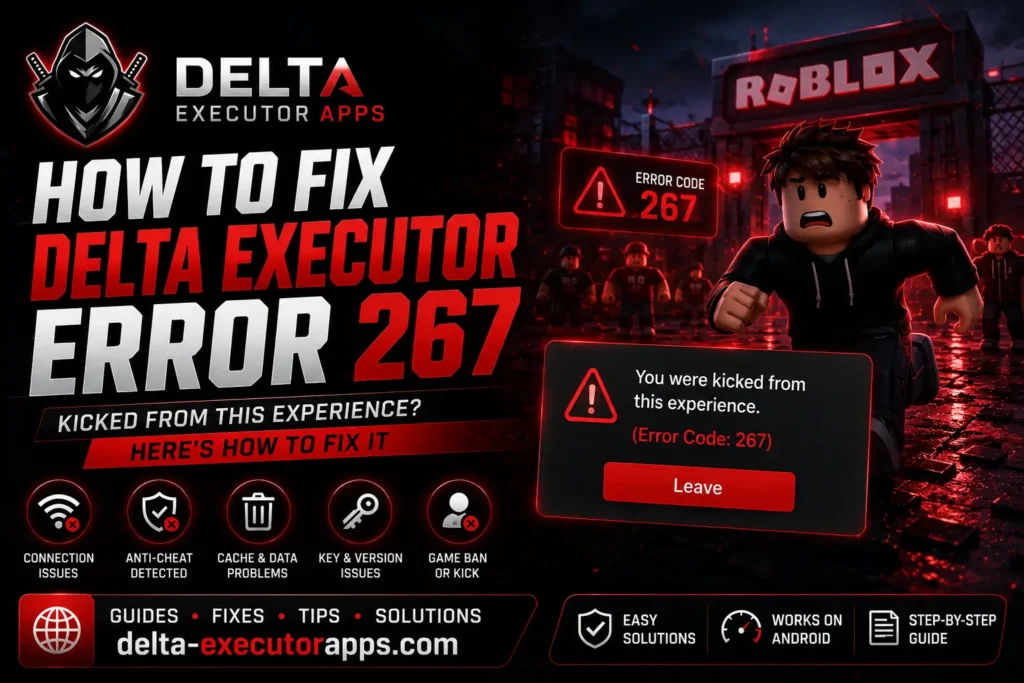
If you use Delta and suddenly see “You were kicked from this experience. (Error Code: 267),” it’s easy to panic and think your account is gone. It’s not. Delta executor error 267 almost never means a full Roblox ban. In most cases the game you were in kicked you, and you can still play everything else.
267 is not a connection error you can fix with a VPN or a reinstall. It’s a kick or a ban handed out by the game itself, often by its anti-cheat. So the real question isn’t “how do I fix my internet,” it’s “was I kicked once, or banned from that game?” Once you know which, you know what to do.
This guide keeps it simple. First you’ll see what 267 actually means, then a quick test to tell a kick from a ban, and how to check if it’s one game or all of them. After that you get the fixes that work, the ones that don’t (so you stop wasting time), how long a ban lasts, and answers to the questions people ask most.
What Is Delta Executor Error 267?
Roblox error 267 is a kick or ban message, not a technical fault. On Roblox’s own support pages it’s listed as “Banned from an Experience,” and they’re clear about one thing: the ban comes from the game’s creator, not from Roblox. That’s why you can still open other games, chat, and use your account like normal. The block only exists inside that one game.
So when people search for app error 267, they’re usually dealing with a game-side decision, not a broken app. Your device is fine. Roblox is fine. That one game just decided to remove you.
With Delta, there’s an extra layer. When you run an executor, some games have anti-cheat systems that watch for injected scripts. If the anti-cheat spots one, it removes you, and that’s what shows up as 267. Worth being clear here: this isn’t a Delta bug and it isn’t a virus. It’s the game reacting to what it detected, not Delta failing.
Is It a Kick or a Ban?
Before you change any settings, find out what you’re actually dealing with. There’s a fast way to check, and it takes ten seconds.
Close the error and try to join the same game again. This is the rejoin test, and the result tells you everything:
- You get back in? It was a one-time kick. Something triggered it once, maybe an anti-cheat check, an AFK timer, or a buggy server script. There’s nothing to fix. Keep playing.
- 267 hits you again the moment you join? That game has banned your account. No setting on your device will remove it, because the block lives on the game’s side, not yours.
Here’s a quick way to read it:
What happens | What it means | What to do |
You rejoin fine | One-time kick | Nothing, carry on |
267 every single time | Banned from that game | Wait it out or appeal (covered below) |
267 in every game, not just one | Device, connection, or install issue | Try the fixes further down |
Do this test first and you’ll save yourself from trying ten fixes that were never going to work.
Why Does Delta Executor Error 267 Happen?
267 doesn’t have one single trigger. Knowing the usual causes helps you guess whether it’s a ban or something on your end:
- Anti-cheat detected your script. The most common reason for executor users. Some games actively look for injected scripts and remove anyone running one.
- Temporary ban from that game. You broke a rule in that specific experience and got blocked for a set time.
- An admin or moderator kicked you. Some games have staff who can remove players manually.
- Weak or unstable internet. A dropped connection can get you kicked with a 267 “failed to load” style message.
- Firewall or antivirus blocking Roblox. Security software sometimes cuts Roblox’s connection without telling you.
- Corrupted local files or cache. Old broken data on your device can cause a bad load and a kick.
How to Fix Delta Executor Error 267 (Step-by-Step)
Work through these in order. The first two tell you if there’s even anything to fix, so don’t skip them.
1. Do the rejoin test
Close the error and rejoin the game. If you get back in, it was a one-time kick and you’re done. If 267 blocks you every time, it’s a ban from that game, so jump to the “how long does a ban last” section below.
2. Try a different game
Open a completely different experience. If other games load fine and only one throws 267, the problem is that game’s ban or anti-cheat, not your setup. If every game gives you 267, keep going, the fixes below are for you.
3. Check your internet connection
A weak connection can get you kicked. Switch between Wi-Fi and mobile data, or restart your router. Then try loading a game again.
4. Update Delta to the latest version
An outdated build gets flagged and kicked faster. Uninstall your current version and grab the latest Delta version from the official site.
5. Clear the cache and restart the app
Corrupted local data can cause a bad load and a kick. Clear Delta’s cache from your settings, close it fully, and reopen it.
6. Turn off firewall or antivirus for a moment
Security software sometimes blocks Roblox’s connection. Disable it briefly, test the game, then turn it back on. If that was the cause, add Roblox as an exception.
7. If it’s an experience ban, don’t fight it
If the rejoin test showed a real ban, no device fix will help. The block is on the game’s side. Your only options are to wait or appeal.
Still Getting 267? (Last-Resort Checks)
If you’ve done the rejoin test, tried other games, and 267 still follows you everywhere, run through these last:
- Restart your device. A full reboot clears background glitches that can cause bad loads and kicks.
- Check for outages. Look at the Delta status page to see if Delta or Roblox is having server problems. If it’s on their end, waiting is the only fix.
- Do a clean reinstall. Fully remove Delta, then install the latest version fresh instead of updating over the old files.
- Check the Discord. If 267 started hitting everyone right after a Roblox update, it’s usually a known issue. The Delta Discord posts announcements and patches when that happens.
If none of this helps and the status page shows everything online, the problem is almost certainly a specific game’s ban, not your setup. In that case, head back to the appeal steps above.
Fixes That Don’t Work (Common Myths)
A lot of guides list “fixes” for 267 that do nothing when it’s a real ban. Skip these so you don’t waste your time:
- Using a VPN. A VPN changes your location, not the game’s decision to ban your account. The ban follows your account, not your IP.
- Reinstalling Delta or Roblox. A fresh install gives you clean files, but the ban record sits on the game’s server. Reinstalling won’t touch it.
- Switching to an alt account. This one can actually make things worse. Many games run alt detection in real time, so a second account trying to dodge a ban often gets banned too. Alts usually get a different message, Error 600, instead of 267. Ban evasion also hurts you if you later try to appeal.
The pattern is simple. If 267 is a ban, the block lives on the game’s side, and nothing you do on your device removes it. These tricks only look like fixes because sometimes the “ban” was really just a one-time kick that would have cleared on its own anyway.
How Long Does a 267 Ban Last and How to Appeal
If the rejoin test confirmed a ban, the next question is how long you’re locked out. There’s no single answer, because the game’s creator sets it, not Roblox. Most experience bans are temporary. They can run anywhere from a few hours to a few days, and shorter ones often clear on their own if you just wait and try later.
Some bans are permanent, though. If you keep getting 267 in one game after days of waiting, that game has likely blocked your account for good.
If you think the ban was a mistake, you can appeal, but you have to go to the game’s creator, not Roblox. Roblox Support can’t lift a ban that a creator set. Here’s how to reach them:
- Open the game’s page and tap the creator or group name under the title.
- Send them a message explaining what happened and ask to be unbanned.
- If they have a community page or social links, you can try those too.
Keep it short and polite. There’s no guarantee they’ll respond, but a calm message has a better shot than an angry one.
Error 267 vs Other Roblox Error Codes
267 gets mixed up with a few other Roblox codes because they all kick you out, but each one means something different. Here’s how they compare:
Code | What it means | Whose side it’s on |
261 | Problem streaming data, connection dropped during load | Your connection |
267 | Kicked or banned from one experience | The game’s side |
268 | Kicked for suspicious activity, often too many teleports | The game’s side |
524 | You don’t have access to this place (private or restricted) | The game’s settings |
The quick way to tell them apart: 261 is about your connection, 267 and 268 are the game removing you, and 524 means you were never allowed in that place to begin with.
If you’re actually seeing a different code, we’ve got separate guides for each. Check the Delta error 261 fix if your real problem is a connection drop, not a kick.
How to Avoid Error 267 in the Future
You can’t stop every 267, since some games will always kick executor users on sight. But you can cut down how often it happens:
- Keep Delta updated. Older builds get flagged faster, so update as soon as a new version drops.
- Play on a stable connection. A steady network means fewer connection-based kicks.
- Know which games are strict. Some experiences have heavy anti-cheat. Getting 267 in those isn’t a Delta fault, it’s just how that game is set up.
- Don’t stack alt accounts to dodge bans. As covered earlier, that usually gets the alt banned too and makes any appeal weaker.
Most of what triggers 267 is on the game’s side, so the goal here is simple: keep your own setup clean so you can tell a real ban apart from a fixable problem.
FAQs
Is error 267 a full Roblox ban?
No. It only blocks you from the one game that kicked you. Your account still works everywhere else, so you can join other experiences, chat, and use Robux normally.
Does 267 mean Delta is broken or gave me a virus?
No. It’s a kick or ban from the game’s side, not a Delta fault and not malware. As long as you downloaded Delta from the official site, 267 says nothing about your device’s safety.
What is “delta key error 267”?
This is a mix-up. Your Delta key is only for unlocking the executor, and 267 comes from the game kicking you, not from the key. If your key itself isn’t working, that’s a separate key error, not 267.
How long does a 267 ban last?
Usually a few hours to a few days, since the game’s creator sets it. Some are permanent. If you still get 267 in one game after several days, that account is likely blocked there for good.
Will using an alt account get around it?
No, and it can backfire. Alt detection often bans the second account too, and it usually shows Error 600 instead of 267.